


Jun 11, 2026 7:00 AM
Updated Jun 14, 2026 7:57 PM
insMind gives independent publishers, advocacy writers, educators, and small communications teams a practical way to create visual entry points.
Public interest writing asks a lot of readers. A strong article may explain an election rule, housing problem, labor issue, environmental concern, school policy, or civil rights question. The work is important, but the format can be demanding. Many readers discover stories through fast-moving feeds before they ever reach the full article.
That does not mean serious ideas should be reduced to slogans. It means writers, editors, educators, and advocacy teams need more ways to invite people into a story. A short video explainer can introduce the central question, define the stakes, and point viewers toward the fuller piece. Used responsibly, video becomes a bridge into deeper reading rather than a replacement for it.
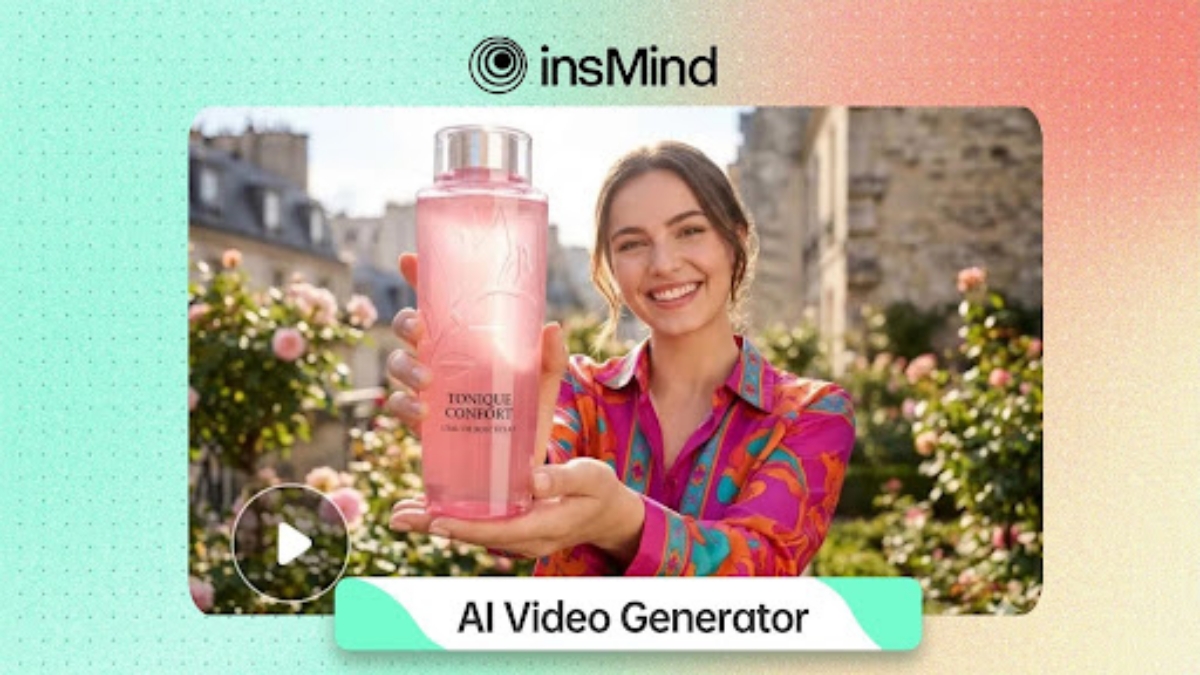
insMind is designed for that kind of accessible visual production. Its AI video generator can turn a prompt, script outline, or uploaded image into a video draft, giving small editorial and communications teams a practical way to create visual summaries for complex topics.
Why Public-Facing Ideas Need Visual Entry Points
Independent publishers and civic writers often operate with limited resources. They may have sharp analysis and strong reporting, but not a separate video unit. Meanwhile, the audiences they hope to reach are scattered across newsletters, websites, social platforms, community groups, and mobile screens.
Related stories
A concise explainer clip can help solve one narrow but important problem: attention at the point of entry. It can answer the first reader question: why should I care? A fifteen-second visual summary might introduce a statistic, frame a policy dispute, show a product of public concern, or highlight the human impact behind an abstract issue.
The value is not spectacle. The value is translation. When a written argument becomes a short, clear visual prompt, more people can understand what the story is about before deciding to read further.
Useful Scenarios for Writers and Civic Communicators
Article Teasers
An article teaser does not need to summarize every argument. It can introduce the central problem and direct viewers to the full story. A prompt can describe the issue, mood, location, and visual metaphor, then generate a short draft for review.
Policy Explainers
Policy language can be difficult to scan. A short video can make a topic easier to approach by showing a simplified scene, animated concept, or visual contrast. The final clip should still be checked carefully for accuracy, especially when the subject involves law, health, public spending, education, or voting rights.
Event and Campaign Announcements
Forums, teach-ins, rallies, fundraisers, webinars, and community meetings often need quick promotional assets. A short AI-generated video can give an announcement more movement than a static flyer while preserving the message and call to action.
Educational Social Clips
Educators, trainers, and newsletter writers can use AI video to create a visual opener for a lesson or explainer. The clip can introduce the topic, while the article, class material, or newsletter provides the deeper context.
Where insMind Fits in an Editorial Workflow
insMind can be used after the editorial idea is already clear. A writer does not need to begin with a blank production timeline. They can begin with the headline, thesis, summary paragraph, call to action, or image that already exists in the article package.
For text-led projects, insMind's text to video tool can turn a written concept into a motion-based draft. This works well for policy summaries, issue explainers, public service messages, event previews, and educational clips.
For image-led projects, the image-to-video workflow is useful when the team already has a photograph, poster, illustration, chart-style visual, or product image. The uploaded image gives the video a visual anchor, while the prompt adds context and direction.
How It Works: Make a Short Explainer with insMind
The following workflow is built for a writer or editor turning a serious topic into a short, accessible video draft. The steps can be completed inside insMind and adjusted depending on whether the starting point is text, an image, or both.
Step 1: Start with a clear issue summary
Open insMind and begin with the material that best represents the story. If the topic is mostly conceptual, enter a prompt that states the issue, the audience, the visual style, and the intended tone. If the story already has a useful visual, upload it first and add a prompt explaining how the image should move. For example, an article about housing affordability might begin with a prompt describing city apartments, rising costs, and a calm documentary-style mood.
Step 2: Set the format for the publishing channel
Choose the video model and settings before generating. Select the aspect ratio based on where the explainer will appear. A vertical format can work for mobile feeds, while a horizontal format may suit article pages, presentations, and newsletter embeds. Set the duration short enough to introduce the idea without trying to carry the entire argument.
Step 3: Generate a preview and check the meaning
Generate the preview, then review it for meaning rather than flash. Does the video introduce the issue clearly? Does the tone respect the seriousness of the subject? Does the image or motion risk overstating, distorting, or trivializing the story? If the answer is no, adjust the prompt, remove vague language, and generate a cleaner version.
Step 4: Download and pair the video with the full article
When the draft works, download the MP4 and prepare it for publication. Add a caption, headline, or article link wherever the clip will appear. The video should point viewers toward the fuller context rather than pretend to contain all of it. For public interest content, the strongest use of AI video is often as an entry point into reporting, analysis, or civic action.
Step 4: Download the finished MP4 and pair it with the complete article, caption, or campaign page.
Writing Better Prompts for Serious Topics
Prompt quality matters. A vague prompt may produce a generic video that looks polished but says very little. For public-facing topics, it helps to include four elements: the subject, the setting, the tone, and the communication goal.
A weak prompt might say, "make a video about climate." A stronger prompt might say, "Create a short documentary-style video showing a city neighborhood during extreme heat, with residents walking past shaded bus stops and a calm, serious tone. The goal is to introduce an article about heat risk and public infrastructure."
That kind of prompt gives the AI a clearer direction while preserving the writer's role as editor. The human still decides what is accurate, what is fair, and what should be published.
Keep Human Review at the Center
AI-generated video should be reviewed carefully before it is used around public issues. If the clip touches on a real community, political conflict, public health topic, school issue, labor dispute, legal question, or social movement, visual choices matter. A dramatic image can mislead as easily as it can clarify.
Editors and communicators should check whether the clip reflects the story honestly, avoids stereotypes, and does not create false impressions. They should also avoid presenting generated imagery as documentary footage. Clear labeling and thoughtful placement help maintain trust.
Conclusion
Public interest work depends on people understanding what is at stake. Articles, essays, reports, and newsletters remain essential, but short video can help more readers find their way into the conversation.
insMind gives independent publishers, advocacy writers, educators, and small communications teams a practical way to create those visual entry points. By turning prompts or images into short video drafts, it lowers the production barrier while leaving the most important decisions where they belong: with the people shaping the message.
The opinions expressed here are solely those of the contributor and do not reflect the opinions or beliefs of LA Progressive.
Comments

Powered by RoundtableAn AI/DeFi-powered Enterprise Media Operating System. Learn more at Roundtable.io.© Roundtable 2026. By using this site you agree to the Terms of Use and Privacy Policy