


May 9, 2025 7:00 AM
Updated May 17, 2025 12:18 AM
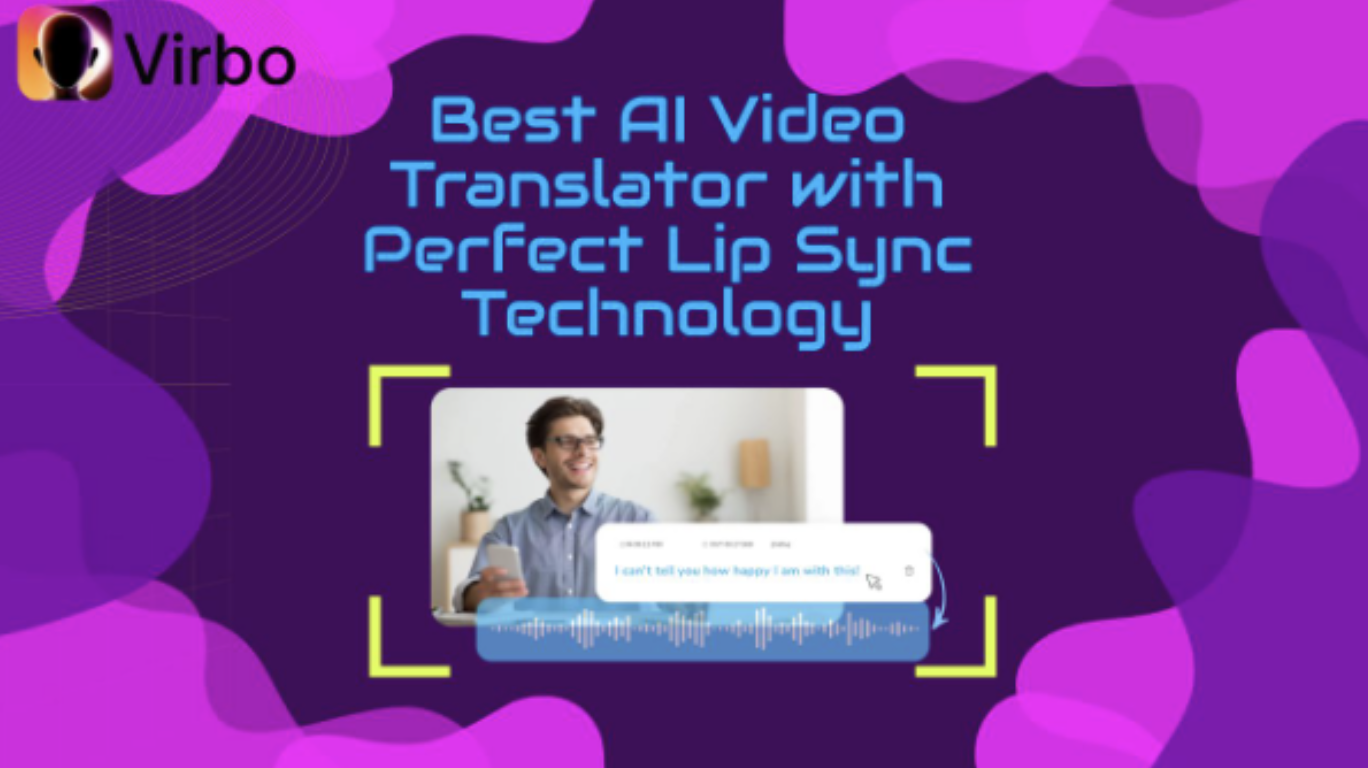
Looking for the best AI video translator? Virbo delivers 40+ language translations with perfect lip-sync and natural voices. Fast, accurate, and free to try!
Video content is everywhere, but language doesn't have to stop you. Imagine watching a tutorial, interview, or film in any language with perfectly synced lips and natural-sounding voices. AI video translators make this happen, changing how we communicate worldwide.
This guide dives into the best AI video translator tools. You’ll discover how these platforms go beyond basic translation, preserving tone, emotion, and even facial expressions. Whether you’re a content creator expanding your reach or a business streamlining multilingual training, the right tool can transform your workflow.
Want your videos to work in any language? Let's see how the best AI video translator connects people while making every word look and sound right.
Overview of AI Video Translators
Picking an AI video translator is hard because there are too many choices. All tools say they work well, but they're different in what they do, how accurate they are, and how much they cost. We checked the best ones to show you what's good and bad about each.
Related stories
Comparison of Top AI Video Translators
1. Wondershare Virbo Pros:
- Offers an intuitive translation workflow that’s easy to navigate.
- Supports multiple language translations, ideal for global audiences.
- Features a real-time translation preview to ensure accuracy before finalizing.
Cons:
- The free version is limited in functionality.
- May feel excessive for users who only need basic translation tasks.
Price: Starts at $9.99/month
Rating: 4.7/5
2. HeyGen Pros:
- Delivers highly accurate language synchronization across 40+ languages.
- Maintains the original emotional tone of speech, making translations more natural.
Cons:
- Can be costly for projects involving multiple languages.
- Some translated outputs may sound slightly unnatural.
Price: Starts at $29/month
Rating: 4.3/5
3. Vidnoz Pros:
- Simple and user-friendly translation interface, perfect for beginners.
- Provides decent translation quality for widely spoken languages.
- Offers a free plan suitable for basic translation requirements.
Cons:
- Editing tools are quite basic and may not meet professional needs.
- Offers fewer language output options compared to competitors.
Price: Free (with paid upgrade options)
Rating: 3.9/5
4. Rask AI Pros:
- Provides professional-grade translation accuracy, suitable for advanced projects.
- Includes voice cloning technology for more natural-sounding results.
- Ideal for long-form video translation projects.
Cons:
- The platform has a steep learning curve, especially for first-time users.
- Struggles to convey nuance in more complex languages.
- Requires clean audio quality to deliver optimal translation results.
Price: Starts at $49/month
Rating: 4.4/5
After comparing the key features and pricing of these AI video translators, it's clear that Wondershare Virbo provides the most balanced solution for most users. With its affordable pricing, strong language support, and user-friendly translation workflow, it stands out as a practical choice.
Best AI Video Language Translator: Wondershare Virbo
Wondershare Virbo AI Video Translator is an AI-powered solution that translates videos into 40+ languages while preserving authenticity. It clones the original speaker's voice and perfectly syncs lip movements to translated dialogues, ensuring your business demos, social clips, or tutorials stay engaging in Spanish, Hindi, and beyond.
The fully automated process delivers studio-ready results instantly — no editing skills needed. Whether localizing training materials or expanding your YouTube reach, Virbo makes every video feel natively created in the target language.
Key Features of Virbo AI Video Translator
Wondershare Virbo Video Translator has become a go-to solution for creators and businesses needing high-quality video translations. Let's explore what makes this video translator stand out from the rest.
Natural-Looking Multilingual Videos
Virbo translates videos via AI into over 40 languages, including English, Chinese, Hindi, French, German, Japanese, and Spanish while maintaining authentic presentation. The AI doesn't just swap words - it clones the original speaker's voice tone and perfectly matches lip movements to the new language. This means when your English tutorial becomes Spanish, the instructor's mouth moves correctly and their voice sounds like themselves.
The result feels so natural, viewers might think the video was originally recorded in their language. It works for various content types, from product demos to vlogs, maintaining the original video's personality across languages.
Smart Format Handling
The tool supports all common video formats (MP4, MOV) and sizes, accepting files up to 500MB. You can upload short 5-second clips or 5-minute videos, in resolutions from 300x300 to full HD 1920x1920. The system processes files quickly, saving you waiting time.
For creators working across different devices, Virbo offers flexible access - use it on your phone through the app, via web browser, or as desktop software for Windows. This versatility means you can start a translation on your office computer and finish it on your phone during your commute.
Precise Control Options
After translation, Virbo gives you editing control. Adjust the auto-generated subtitles for perfect wording, or export them separately as SRT files for other projects. The advanced settings let you fine-tune lip-sync accuracy or review both original and translated texts side-by-side for quality checks. The interface keeps things simple - just upload, select languages, and make any final tweaks before exporting. No video editing experience is needed to achieve polished, ready-to-publish multilingual videos.
How to Translate a Video with Virbo AI Video Translator
You know what Virbo AI Video Translator does. Now you probably want to learn how to use it. It's very easy. Just do these steps to translate your videos fast.
Step 1. Upload Your Video
Open Virbo AI Video Translator in your browser or desktop app. Sign in with your account, then upload the video you want to translate. Make sure it’s in MP4 or MOV format and under 500MB for smooth processing.
Step 2. Choose Your Languages
Select the original language of your video and pick the language you want it translated into. If needed, turn on Lip-Sync to match mouth movements or enable Subtitles for better accessibility.
Step 3. Start Translation & Edit
Click Translate and let Virbo automatically convert the speech. Once done, review the text and adjust any parts for better accuracy. You can also export subtitles separately as an SRT file.
Step 4. Download & Share
After final checks, download your translated video. It’s now ready to share with your audience in their preferred language.

Conclusion
Wondershare Virbo makes AI video translation easy for everyone. It works with over 40 languages and keeps your videos looking natural with accurate voice cloning and lip-sync. But Virbo does more than just translation. You can also create talking photos, digital avatars, and AI voices - perfect for social media or business videos. Most features offer free trials, so you can test them first.
If you need good AI video tools, try Virbo. It saves you time, solves language problems, and lets more people see your videos everywhere.
Comments

Powered by RoundtableAn AI/DeFi-powered Enterprise Media Operating System. Learn more at Roundtable.io.© Roundtable 2026. By using this site you agree to the Terms of Use and Privacy Policy