


Feb 23, 2026 8:00 AM
Updated Feb 27, 2026 6:09 AM
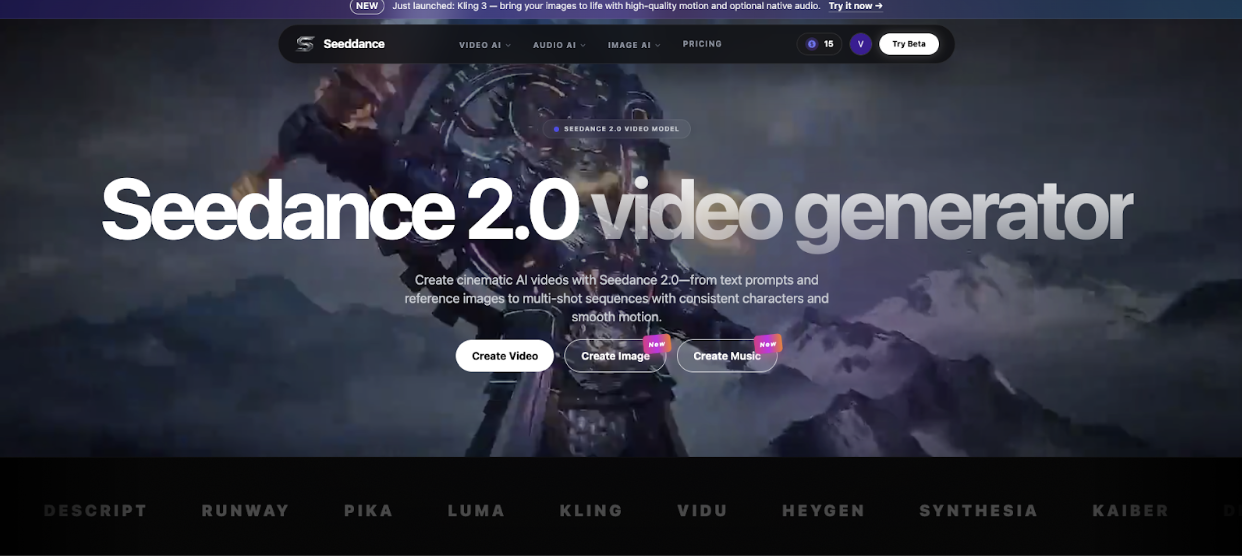
Teams often sketch broad variants in the AI Video Generator and produce polished multi-shot assets in Seedance 2.0 when they need stable quality across formats.
A lot of teams still create one video for one channel, then restart from zero for the next platform. That approach wastes time and weakens brand consistency. A better model is to design one narrative core and then adapt it for social feeds, ads, product pages, and presentations. Teams often sketch broad variants in the AI Video Generator and produce polished multi-shot assets in Seedance 2.0 when they need stable quality across formats.
1) Build a narrative core before format variations
Start with three non-negotiables:
- - Core message
- - Visual identity
- - Desired audience action
Related stories
If these are stable, channel adaptation becomes formatting work rather than complete re-creation.
2) Design modular shots for reuse
Create shots that can survive cropping, trimming, and recombination:
- - Strong opening frame
- - Mid-shot with clear product or character focus
- - Clean CTA ending with safe text area
Modular shots make repurposing faster because each segment has a clear role.
3) Map outputs by platform behavior
Different channels reward different structures:
- - Social short video: immediate hook, fast rhythm
- - Paid ads: proof earlier, CTA clearer
- - Landing pages: smoother pacing, stronger visual trust
- - Presentations: explanatory pacing and readability
One narrative can serve all of them if structure is adapted intentionally.
4) Keep brand cues constant across variants
Consistency builds recall. Preserve:
- - Palette behavior
- - Typography style
- - Character or product identity
- - Motion tone
When brand cues stay stable, your audience recognizes your content even when duration and layout differ.
5) Use export presets, not manual guesses
Create preset profiles for each destination:
- - Aspect ratio
- - Duration range
- - Subtitle safe zones
- - Compression-aware quality settings
Presets reduce last-minute errors and speed up publishing.
6) Review sequence logic after adaptation
After repurposing, verify each variant still communicates:
- - What is this about?
- - Why should I care?
- - What should I do next?
If any version fails these questions, revise structure before publishing.
7) Publish in waves and learn quickly
Do not release every variant at once. Launch in small waves, compare performance, and update module order or CTA emphasis before the next batch. This staged rollout makes your content system smarter over time and prevents large-scale distribution of weak versions.
Final takeaway
The most efficient teams do not produce isolated videos. They produce narrative systems. One well-designed AI video concept can generate a full library of channel-ready assets when sequence roles, brand cues, and export presets are planned from the beginning. This is how teams scale output without multiplying chaos.
Fast rollout checklist
- - Lock one narrative core per campaign.
- - Design modular shots with clear roles.
- - Set platform-specific export presets.
- - Keep brand cues consistent in every cut.
- - Validate message clarity after each adaptation.

This workflow converts one idea into sustained multi-channel output.
Teams that treat distribution as a design problem, not a last-minute task, usually gain faster iteration cycles and stronger cross-channel performance.
Comments

Powered by RoundtableAn AI/DeFi-powered Enterprise Media Operating System. Learn more at Roundtable.io.© Roundtable 2026. By using this site you agree to the Terms of Use and Privacy Policy