


Sep 23, 2024 7:00 AM
Updated Sep 25, 2024 10:54 PM
How to use data recovery software for Windows - MyRecover? This review presents the main features and tests to fix your computer running Windows 10.
Data loss can be very frustrating, whether it's important professional documents or personal photos and video memories. Fortunately, MyRecover, a powerful file recovery software, can help you effectively recover deleted files on Windows 10.
In this article, we will analyze MyRecover's ability to handle common data loss scenarios, its ease of use, and the speed and agility of file recovery. You can check if it is suitable for file recovery on Windows 10.
About MyRecover
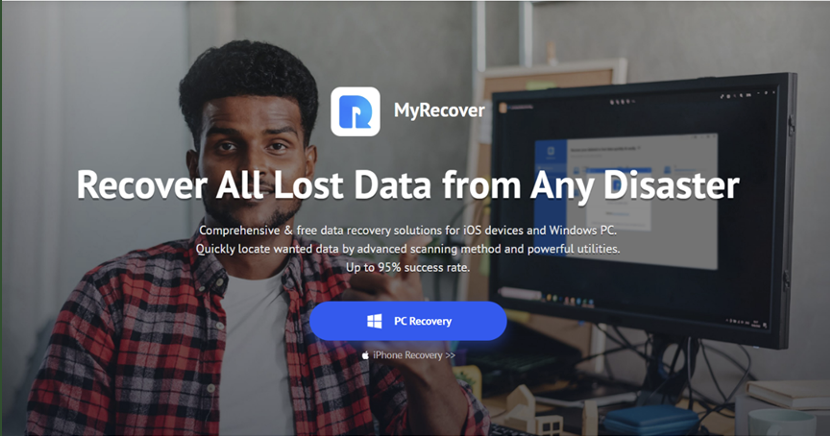
MyRecover is a Windows file recovery software that helps you recover lost or deleted files from your Windows 10 computer. It can recover 200+ types of files, such as images and videos. It is easy to use and convenient for non-experts, but it is also easy to use in the market. Available for USB and SD cards.
Simple user interface: MyRecover has a straightforward graphical user interface that users can utilize. These tools are easy to use on Windows 10, and that's the answer.
Related stories
Combination models: I quickly gathered data for a fast and accurate analysis, and I analyzed the results with great precision. This ensures that recovery is very efficient.
Filtering and selection: these tools are very useful for visualizing your students' experiences. This also helps to improve students' diligence and ensures that they have the correct answers.
In various scenarios: they can also help eliminate accidents, resolve formatting issues, and address problems related to antivirus software. MyRecover is a very effective device. MyRecover is a very effective device suitable for all situations.
Different types of devices:
Types of devices: MyRecover can support up to 200 devices, excluding photos, videos, files, etc.
Storage: you can also recover deleted files from SD card, USB drive, SSD, HDD, and other storage devices.
Recoverable storage: MyRecover is the ideal device in the file recovery market. Participate in situations where you encounter difficulties formatting your document.
MyRecover: How to Effectively Recover Deleted Files?
Try to recover your files with MyRecover on Windows 10 to see if they are recoverable in this section. You can test and save all MyRecover files... Keep reading!
Testing preparation:
Windows 10 computer.
Files can be identified by specific file types, including document files (PDF, DOCX), image files (JPG, PNG), video files (MP4, AVI), and audio files. (MP3).
It's a good example of accident prevention. These files can help you restore data in similar situations.
Then download MyRecover and install the deleted files on Windows 10/11.
Testing procedure:
The main interface of the analysis steps in MyRecover is a list of all system files. You can find the origin of the files on your system and display them in the original and scanned files.
This program is effective for quick and accurate detection. I hope it can find all the possible cups. Because our analytical terms are limited, you can use illogical filters to search for and find the cup that meets your needs.
Users can watch the MP4 video to test the multimodal foot gestures on their computer. Users can also select new batches to use. This can be used to replace unused cups and can be used to replace them in their original position.
With the MP4 videos and the original images, you can truly see the pictures and choose how you want them.
Testing results:
User interface: MyRecover provides an easy-to-use graphical interface for all users.
Features: MyRecover enhances recovery by adding functionalities such as file filtering, sample exploration, and in-depth analysis.
Speed: MyRecover outperforms other recovery solutions in terms of analysis speed and file recovery performance.
Success rate: MyRecover shows a high success rate and is effective in complex recovery scenarios such as formatting and partial writing.

Finally
MyRecover is a powerful data recovery software for Windows 11/10/8/7. Combining speed, efficiency, and ease of use, this design provides an effective solution to various data loss situations. Whether it's a simple document or a complex video file, MyRecover provides a reliable data recovery method with a high success recovery rate.
Comments

Powered by RoundtableAn AI/DeFi-powered Enterprise Media Operating System. Learn more at Roundtable.io.© Roundtable 2026. By using this site you agree to the Terms of Use and Privacy Policy