


Jun 16, 2024 7:00 AM
Updated Jun 19, 2024 11:13 PM
By exploring basic and advanced techniques, you can bring your drum patterns and basslines to life.
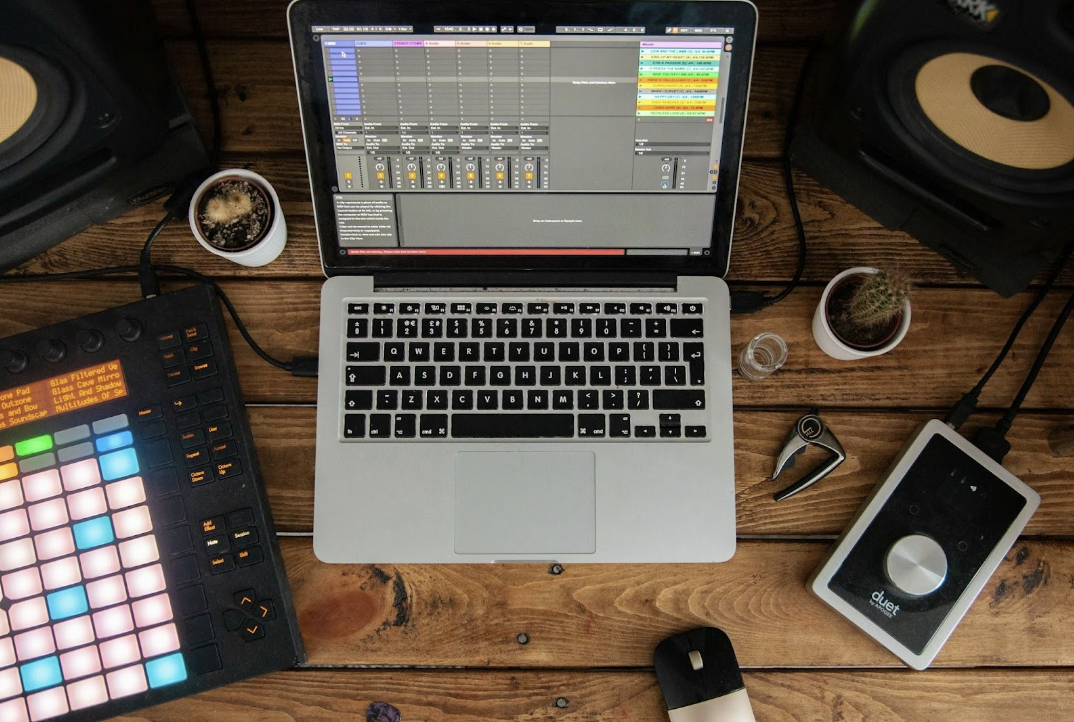
Ableton Live is a preferred digital audio workstation (DAW) for its adaptable and user-friendly interface. Using this software to master drum programming and bassline creation requires practice and persistence. By exploring basic and advanced techniques, you can bring your drum patterns and basslines to life.
This post will guide you through creating drumbeats and bass lines using Ableton software, covering essential techniques to elevate your music production.
Creating Drumbeats
Crafting drumbeats is fundamental for any music producer. Here’s how to create and refine your drum patterns in Ableton Live.
Basic Drum Patterns
Start by loading a Drum Rack onto a MIDI track. Use the Session View to sketch a simple beat. Consider trying these basic patterns as starting points. They can be modified and expanded to suit the specific needs of your track.
Related stories
- 4/4 Rock Beat: Kick on 1 and 3, snare on 2 and 4, hi-hats on all beats or half-beats.
- Boom Bap (Hip-Hop): Kick on 1 and "and" of 3, snare on 2 and 4, hi-hats on all beats or half-beats.
- Blues Shuffle: Kick on 1 and 3, snare on 2 and 4, hi-hats on every beat with a shuffle feel.
Advanced Drum Programming
Advanced techniques add depth to your rhythms. Experiment with these to enhance your drum patterns.
- Ghost notes add depth and groove. These quieter, offbeat notes create a more dynamic rhythm.
- Layering enhances the impact and texture of your beats by layering multiple drum sounds, such as kick drums or snares.
- Syncopation adds complexity and tension to your drum patterns by placing accents on unexpected beats or offbeats.
- Polyrhythms create intricate and hypnotic grooves by overlaying multiple rhythmic patterns with different time signatures.
Using Audio and MIDI Effects
Leverage Ableton Live’s audio and MIDI effects to enhance your drums. Reverb and delay add space and texture, while EQ and compression balance frequencies. MIDI effects, such as arpeggiators, transform simple patterns into intricate rhythms.
Creating Bass Lines
A powerful bassline drives your track’s groove. Here’s how to create compelling bass lines in Ableton Live.
Basic Bassline Techniques
Load a bass instrument onto a MIDI track and program a sequence that follows your chord progression’s root notes. Ensure the bass complements the drum pattern, providing a solid rhythmic foundation.
Advanced Bass Programming
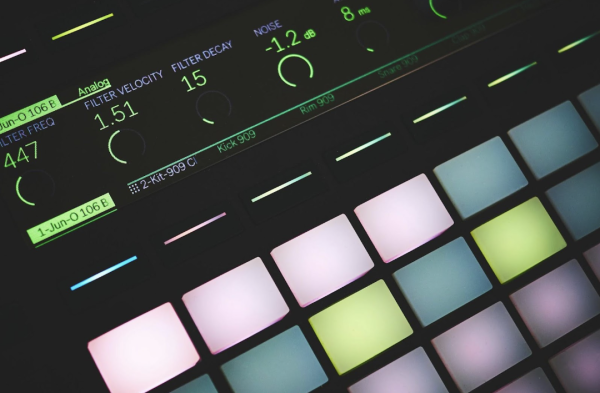
In Ableton Live, advanced bass programming can enhance the depth and uniqueness of your electronic tracks. Try these techniques:
- Distortion and Saturation: Use Saturator or Overdrive to add harmonics and grit to your bass.
- Dynamic Processing: Apply sidechain compression to create a pumping effect when the kick hits. Multiband compression helps control different frequency ranges.
- Resonators and Corpus: Add metallic or physical modelling resonances to your bass for unique textures using the Resonators or Corpus devices.
Sound Design for Bass
Shape your bass sounds using Ableton software’s sound design tools. Utilise filters, envelopes, and modulation to sculpt tone and texture. Layering different bass sounds can add richness and depth.
Integrating Drumbeats and Bass Lines
A well-integrated drumbeat and bass line can form a solid foundation for your track. Ensure your bassline syncs with the kick drum, often by matching the timing of bass notes with kick hits. Sidechain compression can enhance this connection, creating a pumping effect.
Add subtle effects like reverb and delay for cohesion. Finally, volume, filter cutoff, and effects are automated to add movement and variation. This ensures a well-integrated and dynamic rhythm section. For more detailed guidance, explore Ableton tutorials online.
Tips and Tricks
When producing drum beats and bass lines in Ableton Live, consider the following tips and techniques:
1. Use quantization to tighten your drum and bass patterns, ensuring they are perfectly in time.
2. Apply groove templates from the Groove Pool to add swing and a human feel to your rhythms.
3. Automate parameters like filter cutoff, volume, and effects to add interest and variation over time.
4. Layer different drum samples and bass sounds to create a fuller, more complex sound.
5. Choose high-quality samples and instruments to ensure a professional-sounding production.
Conclusion

Mastering drum programming and bassline creation in Ableton Live requires practice and persistence. By exploring both basic and advanced techniques, you can create dynamic and engaging music. Considering the comprehensive features offered, Ableton Live's price is well worth the investment.
Take your skills to the next level with expert tutorials and courses on Ableton Live and more at Sonic Academy. Transform your workflow and creativity with tips and insights. Check out the latest Ableton Live price, and start your music production journey today!
Comments

Powered by RoundtableAn AI/DeFi-powered Enterprise Media Operating System. Learn more at Roundtable.io.© Roundtable 2026. By using this site you agree to the Terms of Use and Privacy Policy