


May 12, 2026 7:00 AM
Updated May 16, 2026 9:06 PM
Phenomenon Studio breaks down which AI UI/UX design tools actually ship results in 2026. Real project data, tool comparisons, and expert advice from Oleksandr Kostiuchenko.
Key Takeaways
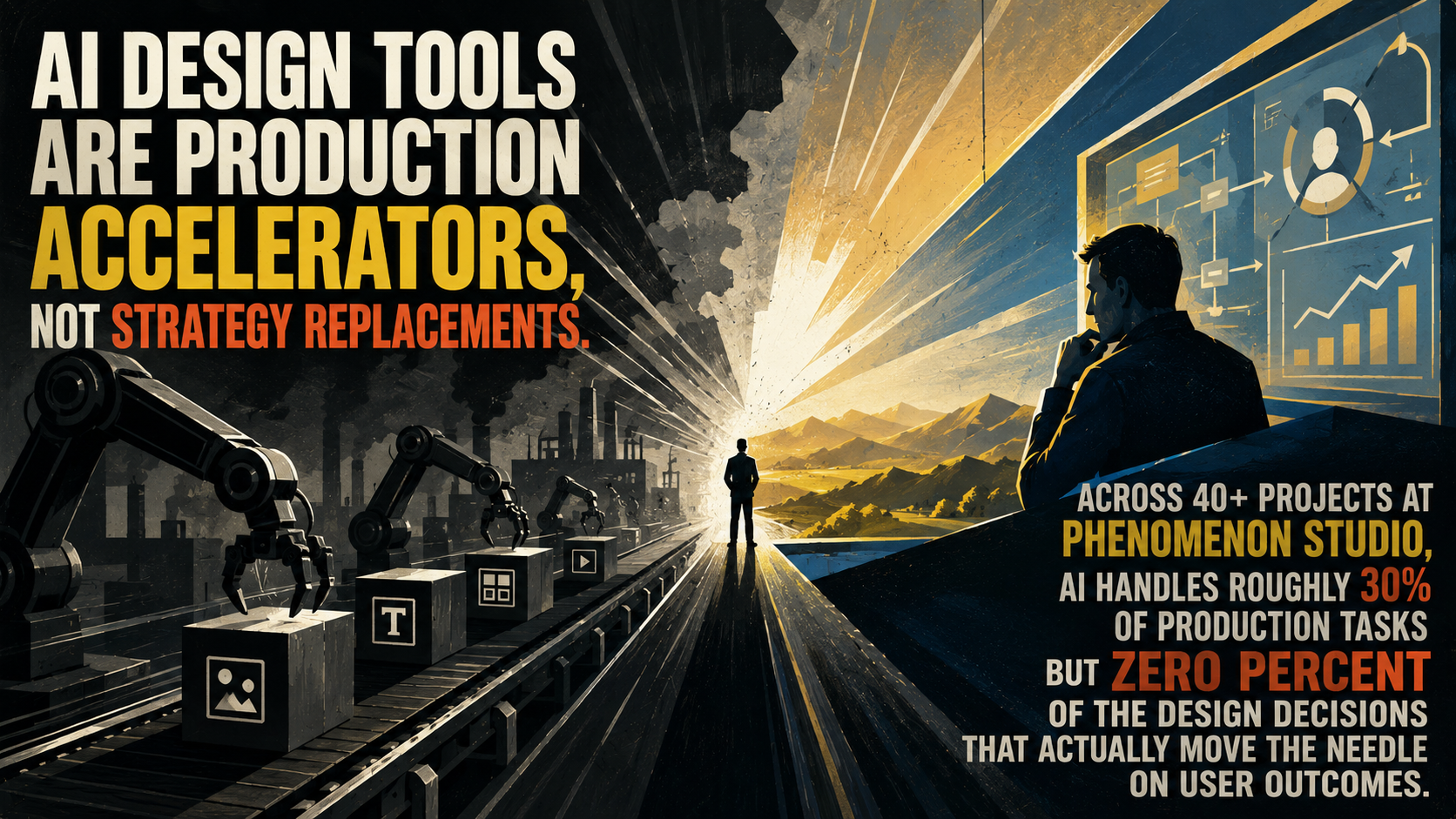
- AI design tools are production accelerators, not strategy replacements. Across 40+ projects at Phenomenon Studio, AI handles roughly 30% of production tasks but zero percent of the design decisions that actually move the needle on user outcomes.
- Tool choice depends entirely on your input format. Teams that pick based on demo videos rather than mapping the tool to how work actually arrives (text briefs? screenshots? existing Figma files?) waste the first two months on the wrong subscription.
- The cost conversation is about time, not dollars. AI design tools cost $15—$45 per user per month. The expensive mistake is not reallocating the hours AI saves. Teams that keep the same output expectations after adopting AI tools end up paying subscription costs for no net gain.
- Enterprise design systems are the make-or-break variable. AI tools produce on-brand output about 70% of the time when the design system is clean and well-documented. Fragmented systems produce AI drift within two or three generated screens.
I have watched design teams burn entire sprints chasing AI tool demos that looked transformative in a 90-second video and fell apart on actual project work. It happens enough that I want to write something useful about it. This is not a list of tools with star ratings. It is what we learned at Phenomenon Studio after integrating AI into our ui ux design services workflow across fintech, healthtech, and SaaS projects throughout 2025 and into 2026. Some tools earned their place. Some got cut after one sprint. I will tell you which and why.
The AI design tool market in May 2026 looks nothing like it did 18 months ago. Figma AI graduated from beta to a paid tier with real enterprise features. Galileo AI added design system ingestion that works more often than it breaks. Uizard quietly built the best screenshot-to-editable-mockup engine nobody talks about enough. And a handful of new entrants, Relume and Bolt.new among them, started blurring the line between design tool and production code in ways that make design-to-development handoff conversations feel increasingly obsolete.
But the gap between what these tools can do in a controlled demo and what they deliver on a messy, real-world project with stakeholder feedback loops, legacy design debt, and tight deadlines remains wider than most review sites admit. I want to close that gap with specifics.
Related stories
The AI Design Tool Landscape: What Actually Changed in 2026
Three shifts happened in the first half of 2026 that changed how I think about AI in the design workflow.
First, design system awareness stopped being a marketing claim and started being a real feature. Figma AI can now read your component library, understand your spacing tokens, and generate screens that respect your naming conventions roughly 70% of the time. Galileo AI followed with a similar capability in March 2026. The remaining 30% is where human review still matters: edge-case component states, responsive breakpoint behavior, and anything involving nested auto-layout with overrides. I do not trust AI on those yet, and neither should you.
Second, the output format expanded. A year ago, most AI design tools produced static mockups. Now Figma AI generates interactive prototypes with linked transitions. Relume outputs React components with Tailwind classes. Bolt.new ships full Next.js or Vue applications from a single prompt. The output is no longer just pixels. It is code. That changes the skill requirement for the designer reviewing the output. You now need enough front-end literacy to evaluate whether the generated code is maintainable or a liability.
Third, pricing models settled into something predictable. The era of "free beta while we figure out monetization" ended. Figma AI charges roughly $20 per user per month on top of the base Figma subscription. Galileo AI Pro is $39 per month. Uizard Pro sits at $19. Relume charges $38 monthly for the AI site builder. These are not impulse-purchase prices, which is probably healthy. The tools that could not justify their cost folded or got acquired. The survivors are the ones teams actually renew.
We track tool adoption across our project teams internally. Here is what our usage data showed for Q1 2026 across 12 active design projects:
- Figma AI: Used in 11 of 12 projects. Primary use: auto-layout generation, variant creation, and first-pass wireframes from text descriptions.
- Galileo AI: Used in 5 of 12 projects. Primary use: text-prompt-to-mockup for early-stage feature exploration where no existing Figma file existed.
- Uizard: Used in 3 of 12 projects. Primary use: client-submitted screenshots and paper sketches converted to editable mockups.
- Relume AI: Used in 4 of 12 projects. Primary use: marketing site builds and landing page variants that needed to go directly to code.
- Bolt.new: Used in 2 of 12 projects. Primary use: rapid MVP prototypes that needed functional backends for user testing.
No single tool dominated. The pattern we saw: teams used Figma AI as the daily driver, then reached for a specialized tool when the input format or output requirement did not match Figma's strengths. That multi-tool reality is what the comparison table below is built for.
"The biggest shift I saw in Q1 2026 was not a new tool feature. It was teams finally accepting that AI output is a starting point, not a deliverable. In our MedMark AI project, Figma AI generated 60 screen variants in two hours. The client was thrilled until they realized someone still had to check every interaction state, every accessibility contrast ratio, and every edge case the AI did not see. We spent two weeks on that review. The AI did not replace the work. It moved it from pixel-pushing to quality assurance. That is the real job change."
— Oleksandr Kostiuchenko, Marketing Manager at Phenomenon Studio, May 2026
Head-to-Head: AI Design Tools Compared on What Actually Matters
Most comparison content ranks tools by feature count. I find that useless. Feature count tells you what a tool can theoretically do. It does not tell you whether it does the thing your team actually needs reliably. The table below compares across criteria that mattered in our actual project work, not spec sheets.
Data reflects Phenomenon Studio internal testing across 12 active design projects, Q1 2026. Accuracy percentages are internal benchmarks, not vendor claims.
If I had to summarize the table in one sentence: Figma AI is the safe default, Galileo AI is the specialist for text-to-design workflows, Uizard solves the offline-to-online input problem, and Relume is what you use when the goal is shipping code, not mockups.
Case Snippet: MedMark AI — When AI Accelerates But Does Not Replace
In late 2025, a healthtech startup approached Phenomenon Studio to redesign their patient-facing dashboard. The existing interface had grown organically over three years, accumulating inconsistent patterns, confusing navigation, and accessibility issues that were actively hurting user retention. Their internal design team was two people. The timeline was aggressive: six weeks from kickoff to development-ready designs.
We used Figma AI as the primary acceleration tool on this project. Here is what happened:
Week 1: We fed the existing Figma file, user interview transcripts, and the product requirements document into Figma AI. It generated 60 screen variants across five user flows. About 22 of those variants were immediately useful. The rest had layout issues, ignored key accessibility constraints, or proposed interaction patterns that contradicted the established information architecture.
Weeks 2–4: Our designers reviewed, refined, and rebuilt from the AI-generated starting points. This was not rubber-stamping. It involved fixing contrast ratios for WCAG AA compliance, adjusting touch targets for the primarily tablet-based user base, and restructuring the navigation after usability testing surfaced confusion the AI could not have predicted.
Weeks 5–6: We used Relume AI to build the marketing landing page for the redesigned product directly in code, skipping the Figma-to-development handoff entirely for that surface. For the product dashboard itself, we followed our standard handoff process with AI-assisted code generation for React components, which our front-end team reviewed and refactored before integration.
The result: The project shipped on time. The redesigned dashboard improved task completion rates by 34% in post-launch usability testing compared to the legacy version. But the timeline win came from AI handling the repetitive production work (variants, auto-layout, initial wireframes), not from AI making better design decisions. The decisions still came from humans who understood the healthcare context, the regulatory constraints, and the specific user behaviors of the patient demographic.
Oleksandr Kostiuchenko, who managed the client relationship on this project, noted: "The client's CTO asked if AI designed the dashboard. I said no, AI built the first drafts. Our team made them worth shipping. He understood the distinction immediately."
Watch how our team integrates AI tools into a real UI/UX design workflow — from discovery through handoff.
How to Choose an AI Design Tool Without Wasting Two Months
I have a framework for this now. It came from watching teams pick wrong three or four times before we formalized how we evaluate tools at Phenomenon Studio. The framework has four questions. Answer them in order.
Question 1: What format does your design work arrive in? This is the most underrated question in tool selection. If your work arrives as written feature briefs and PRDs from product managers, Galileo AI's text-to-design strength matters more than Figma AI's design system integration. If your work arrives as client-submitted screenshots, napkin sketches, or competitor reference images, Uizard's scan-to-mockup engine is what you actually need. If your team already has everything in Figma files, pay for Figma AI and stop shopping. The input format dictates the tool. Ignore this and you will spend two months forcing a tool to do something it was not built for.
Question 2: Does the output need to be pixels or code? If the deliverable is a Figma file for stakeholder review and developer handoff, stick with Figma AI or Galileo AI. If the deliverable is a live, working product, Relume or Bolt.new changes the conversation entirely. One of our SaaS clients needed a functional MVP for investor demos in three weeks. We used Bolt.new for the front-end shell and a lightweight Node.js backend. The result was not production-grade, but it was functional enough to secure a seed round. Figma mockups would not have achieved the same outcome. Match the output format to the actual goal of the work.
Question 3: How clean is your design system? This is the enterprise-specific question. If your design system is well-documented with consistent tokens, named variants, and auto-layout rules, Figma AI will produce on-brand output roughly seven times out of ten. If your system is fragmented or exists mostly in tribal knowledge, AI tools will drift off-brand fast, and the review burden will eat any time savings. Be honest about this before you buy. We have seen enterprise teams with messy design systems spend more time fixing AI output than they would have spent building from scratch.
Question 4: Who reviews the AI output and what do they know? AI design tools produce output that looks convincing but can be subtly wrong in ways that cascade into development debt. The person reviewing AI-generated screens needs to understand interaction states, accessibility requirements, responsive behavior, and the product's information architecture. If that person is a junior designer without those skills, the team is gambling. We staff AI-accelerated projects with at least one senior designer who acts as the quality gate. The tool subscription cost is trivial compared to the cost of shipping AI-generated designs that break in production.
If you want a deeper look at how we structure design teams and processes around these kinds of decisions, our product design company page covers our full methodology, including how we match tooling to project constraints.
What Nobody Tells You About AI Design Workflows
Some things we learned the hard way that I have not seen in other guides.
AI output looks finished when it is not. This is the most dangerous property of AI design tools. A generated screen with proper spacing, clean typography, and plausible content reads as "done" to stakeholders who do not know what to look for. I have watched clients want to ship AI-generated screens on the spot because they looked polished, while our designers were quietly cataloguing the accessibility violations, missing error states, and responsive breakpoints the AI did not handle. The polish is a trap. Train stakeholders to understand that AI output is a conversation starter, not a conclusion.
Prompt quality determines everything, and prompt quality is a skill. "Design a dashboard for a healthcare app" produces generic, useless output. "Design a patient-facing dashboard for a telehealth platform serving users aged 55—75 on tablets. The primary actions are viewing lab results, scheduling appointments, and messaging providers. Follow NHS accessibility guidelines. The existing design system uses Inter at 16px base with a 4px grid." That prompt produces something a designer can actually work with. Writing prompts at that specificity level is a skill most design teams have not invested in building yet. The ones that do get 3x more usable output from the same tools.
The time savings are real but unevenly distributed. In our internal tracking, Figma AI saves the most time on variant generation (roughly 60% faster than manual) and auto-layout application (roughly 45% faster). It saves almost no time on information architecture decisions, interaction design, or anything involving stakeholder alignment. The danger is averaging the savings across all activities and overpromising timeline compression. AI accelerates production tasks. It does not accelerate thinking tasks. Confuse the two and your project plan breaks.
FAQ: Direct Answers to Questions We Get From Teams
Which AI UI/UX design tool is best for rapid prototyping in 2026?
Figma AI leads for prototyping speed because it works inside a tool designers already know. In our projects at Phenomenon Studio, teams using Figma AI's auto-layout suggestions and generative variant features ship first-clickable prototypes about 40% faster than with manual Figma workflows. That said, if your prototype needs real data pulls or backend logic, Relume's AI site builder or a custom Bolt.new setup will get you closer to production-ready output. The tradeoff is flexibility: Figma AI gives you design control, while Relume and Bolt prioritize functional code. Pick based on whether the prototype is for stakeholder buy-in or for actual user testing with live data.
How do I choose between Figma AI, Galileo AI, and Uizard for my team?
Start with your team's starting point. If everyone already works in Figma, Figma AI is the path of least resistance and the monthly cost is just your existing Figma subscription plus the AI add-on. Galileo AI makes more sense when you routinely start from text prompts rather than wireframes, like when a PM throws a feature description at you with no visual direction. Uizard wins for teams that need to scan existing screenshots or paper sketches and turn them into editable mockups fast. I have seen teams pick wrong by chasing demos instead of mapping the tool to their actual daily workflow. Ask: "What format does our input usually arrive in?" That answer picks the tool.
Is AI replacing UI/UX designers in 2026?
No. AI is replacing busywork, not design thinking. In our 40+ projects at Phenomenon Studio, AI tools now handle roughly 30% of production tasks: auto-layout generation, variant creation, design-to-code translation, and accessibility checks. What AI still cannot do is understand stakeholder politics, interpret vague user feedback, or make strategic tradeoff decisions. Oleksandr Kostiuchenko put it bluntly after a recent fintech project: "AI gave us 60 screen variants in two hours. We still spent two weeks deciding which ones actually solved the user problem." The designer's role is shifting from pixel-pusher to AI director and quality gatekeeper, not disappearing.
What does AI UI/UX design actually cost in 2026?
For individual designers, most AI design tools run $15 to $45 per month on top of existing subscriptions. Figma AI adds roughly $20/user/month. Galileo AI Pro is $39/month. Uizard Pro sits at $19/month. For agencies and larger teams, costs scale by seat count plus API credits for generation-heavy workflows. The real cost consideration is not the subscription price but the time redistribution. When AI cuts prototyping from three days to one afternoon, the budget question shifts from "can we afford the tool?" to "what does the team do with the reclaimed time?" We have found that teams that do not deliberately reallocate saved hours end up with tool costs plus the same output volume, which is a net negative.
Can AI design tools handle enterprise-level design systems?
Partially. Figma AI and Galileo AI can now ingest design system tokens and component libraries, but the output quality varies wildly based on how well-documented the system is. If your design system lives in Figma with named variants, auto-layout rules, and consistent spacing tokens, Figma AI produces on-brand output roughly 70% of the time by our internal testing. If your system is fragmented across tools or poorly documented, AI output drifts off-brand within two or three generated screens. Enterprise teams should treat AI as a junior designer that needs a clear brief, not as a senior that can interpret ambiguity. Plan for a human review gate on every AI-generated screen that touches the design system.
How does Phenomenon Studio use AI in its UI/UX design process?
We use AI at three specific points in our workflow. First, during discovery, we run stakeholder notes and user interview transcripts through Claude to surface patterns we might miss manually. Second, during wireframing, we use Figma AI and sometimes Galileo AI to generate first-pass layouts from written requirements. Third, during handoff, we use AI code-generation tools to translate approved designs into React or Vue components for our development team. Oleksandr Kostiuchenko describes the approach as "AI at the edges, humans at the center." We never let AI make the final call on information architecture, interaction patterns, or anything that touches accessibility. Those decisions stay with experienced designers.
The Bottom Line: AI Is a Force Multiplier, Not a Replacement
I want to leave you with something more useful than a ranking or a scorecard. Here it is: AI design tools in 2026 are good enough to be dangerous. They produce output that looks finished. They accelerate the parts of the design process that were already repetitive. They make junior designers faster and senior designers more strategic by absorbing the grunt work. But they do not replace judgment, they do not understand context, and they do not care about your users. That last part sounds obvious, but I have watched teams forget it when the generated mockups look clean and the stakeholder meeting is in 30 minutes.
If you take one thing from this article, take the four-question framework: What format does the work arrive in? Does the output need to be pixels or code? How clean is your design system? Who reviews the output and what do they know? Answer those honestly and the tool choice becomes obvious. Skip them and you will join the long list of teams that bought the wrong subscription, burned a quarter, and quietly canceled the renewal.
We are still figuring some of this out ourselves. The tools change every quarter. The capabilities expand faster than the best practices solidify. But the principle that has held steady across every project we ran in the past year is this: AI accelerates production, humans own decisions. Get that ratio right and the tools pay for themselves. Get it wrong and you are paying a subscription to generate bad work faster.
Comments

Powered by RoundtableAn AI/DeFi-powered Enterprise Media Operating System. Learn more at Roundtable.io.© Roundtable 2026. By using this site you agree to the Terms of Use and Privacy Policy